
Automatically translate your WordPress content using AI

With Gato AI Translations for Polylang

LogoPlugin logo

Automatically translate the content in your WordPress site, including posts, taxonomies, media, menus, and user descriptions.

It works with Polylang to manage the content, and the most advanced LLMs (ChatGPT, Claude, DeepSeek, Mistral AI), LLM aggregators (OpenRouter), and dedicated translation services (DeepL and Google Translate) to execute the translation.

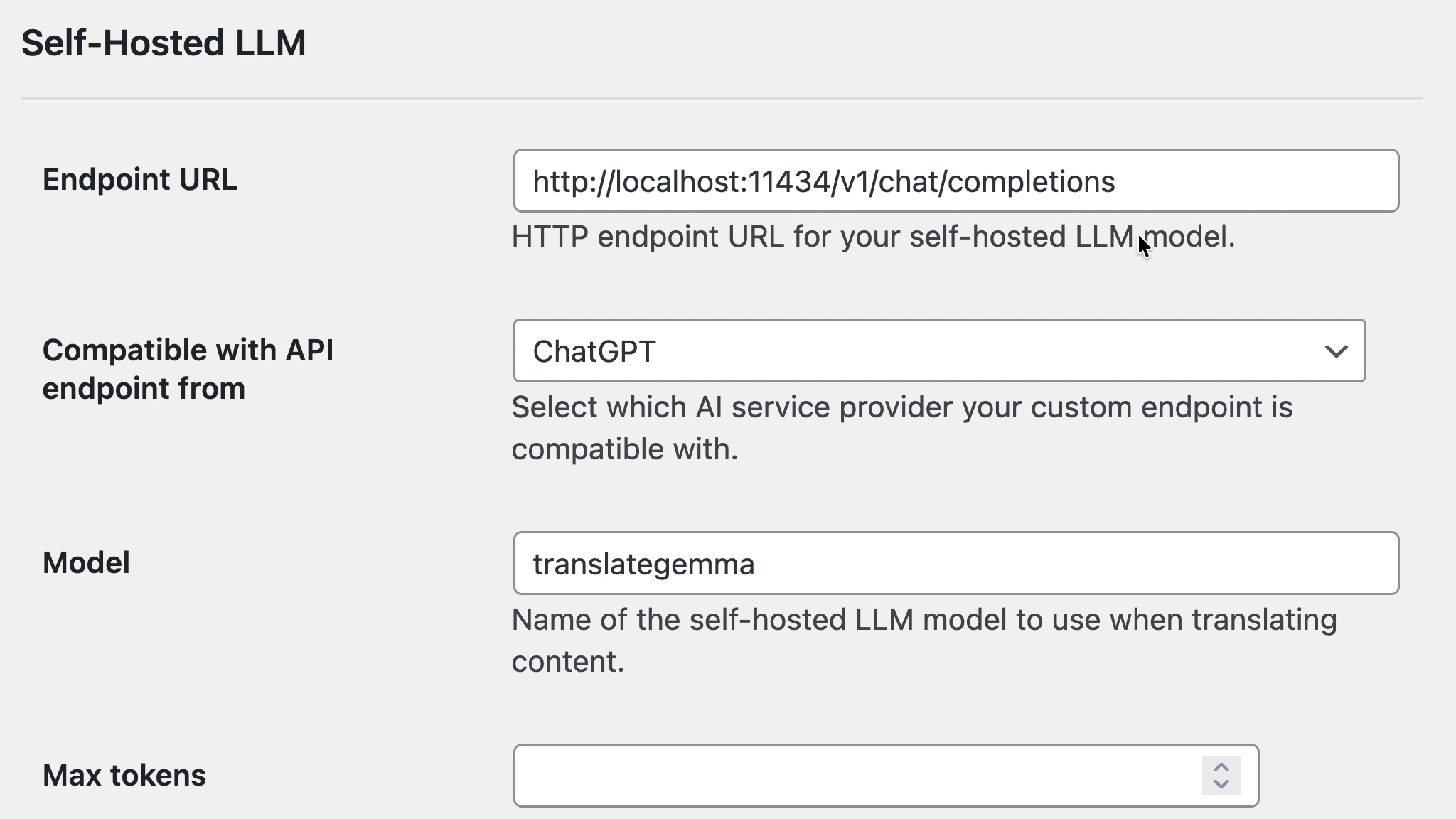
You can also use a self-hosted LLM (eg: via Ollama) and avoid spending money on AI credits.

Translate for the Classic Editor, Gutenberg, Bricks, Elementor, and Etch, without breaking anything!

Start Translating With AI

Purchase a license and start translating your WP site in minutes.

Main Features

Automatically Translate your Content

Reduce the effort of managing translations on your site

Automatically translate your content, whenever:

  • Publishing a post
  • Creating a tag or category
  • Uploading an image

All relationships across entities are also handled: A translated post (eg: to Spanish) will be assigned translated tags, categories, and featured image (ie: to Spanish).

A new post in English is automatically translated to Spanish and French

Translate Content in Bulk

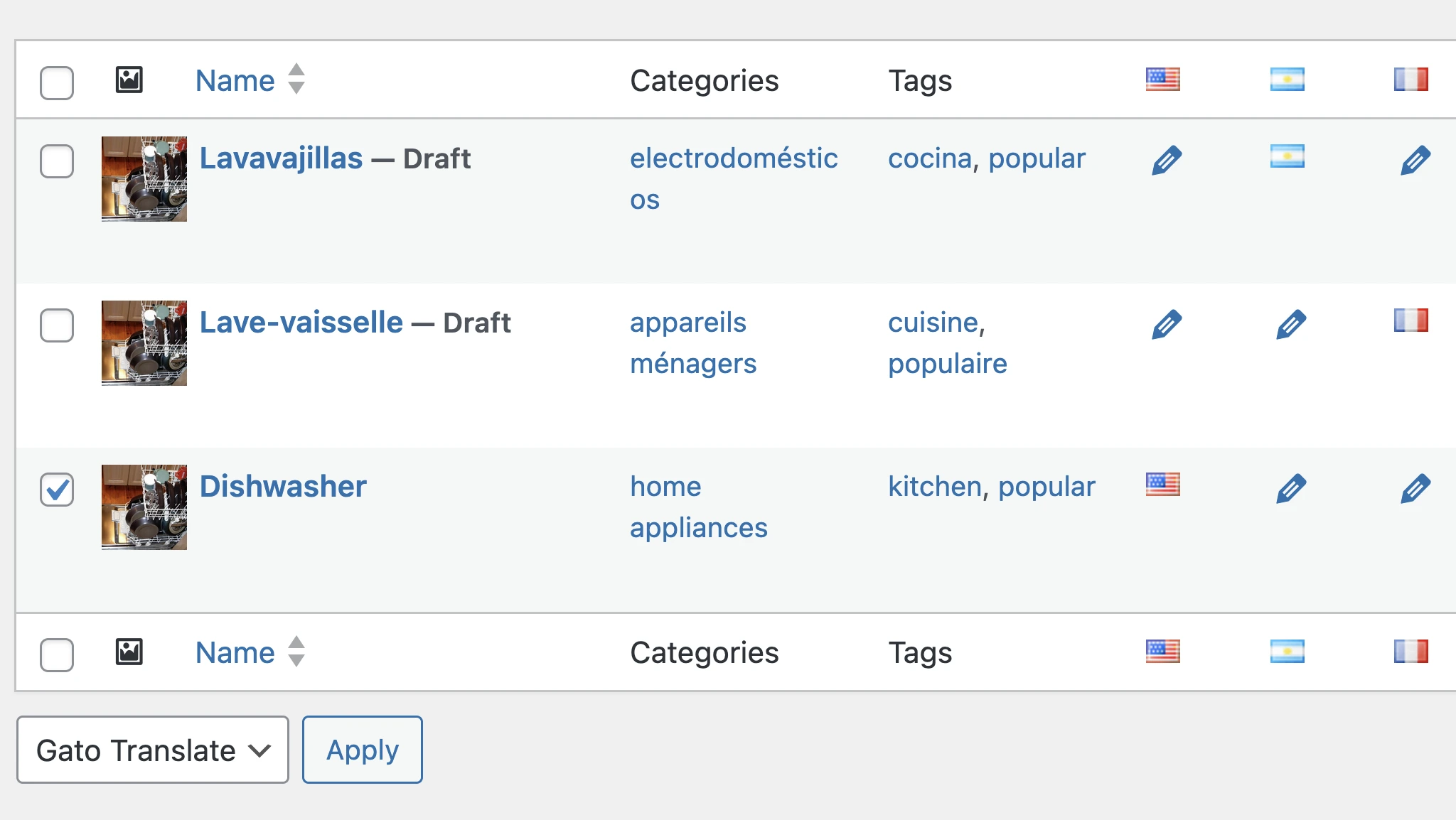
Select multiple entries and translate them via Bulk Actions

Translate entries in bulk, sending all strings to the API in a single request (up to the API's limits), improving the quality of the translation.

Translating multiple posts at once via Bulk Actions
Testimonial
Patrick Tarnaud Agency dev

Amazing! I have translated all of my posts and pages, this was brilliant. It saved me a fortune and hours of time and effort.

Support for your favourite page builders

Translate content from the editors and page builders you already use

Translate posts for the Classic and Block Editors

Content based on both the Classic Editor and the Block Editor (Gutenberg) is automatically handled, according to the configuration for that CPT.

WordPress editor

Strings inside Gutenberg blocks are translated

Nothing gets broken

Translating strings for a Page Builder doesn't break the structure

Strings from the page are extracted and translated, not the whole content structure. Nothing gets broken, and you can edit the translated post.

For all supported page builders, all blocks/elements/widgets remain intact after translation, preserving the same style and formatting as the source content.

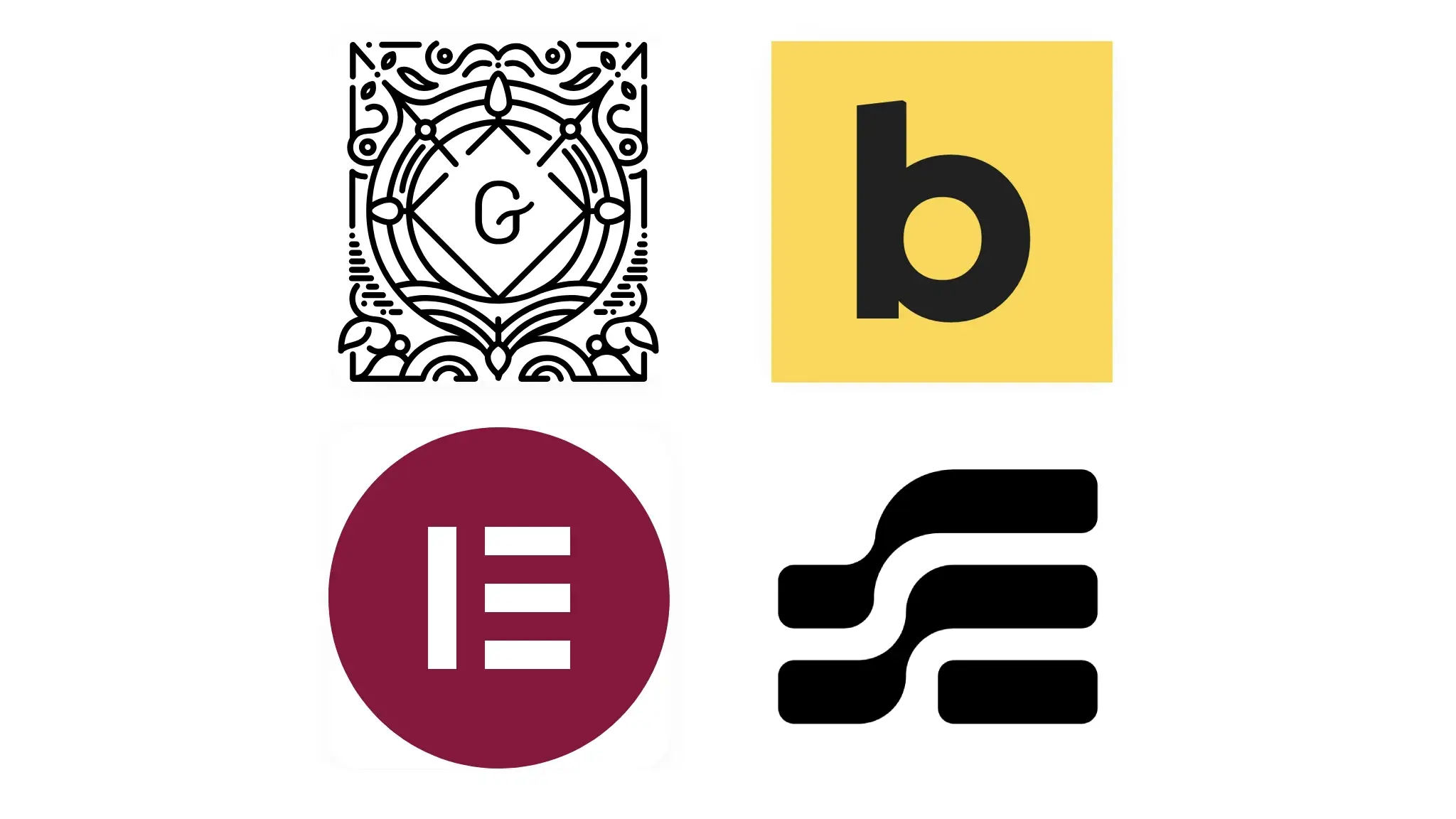
Page-builder content remains intact after translation
Testimonial
Julian Song Entrepreneur

Now my WordPress site translates content perfectly with minimal effort. Great plugin and top-notch customer service.

Best AI support and customization

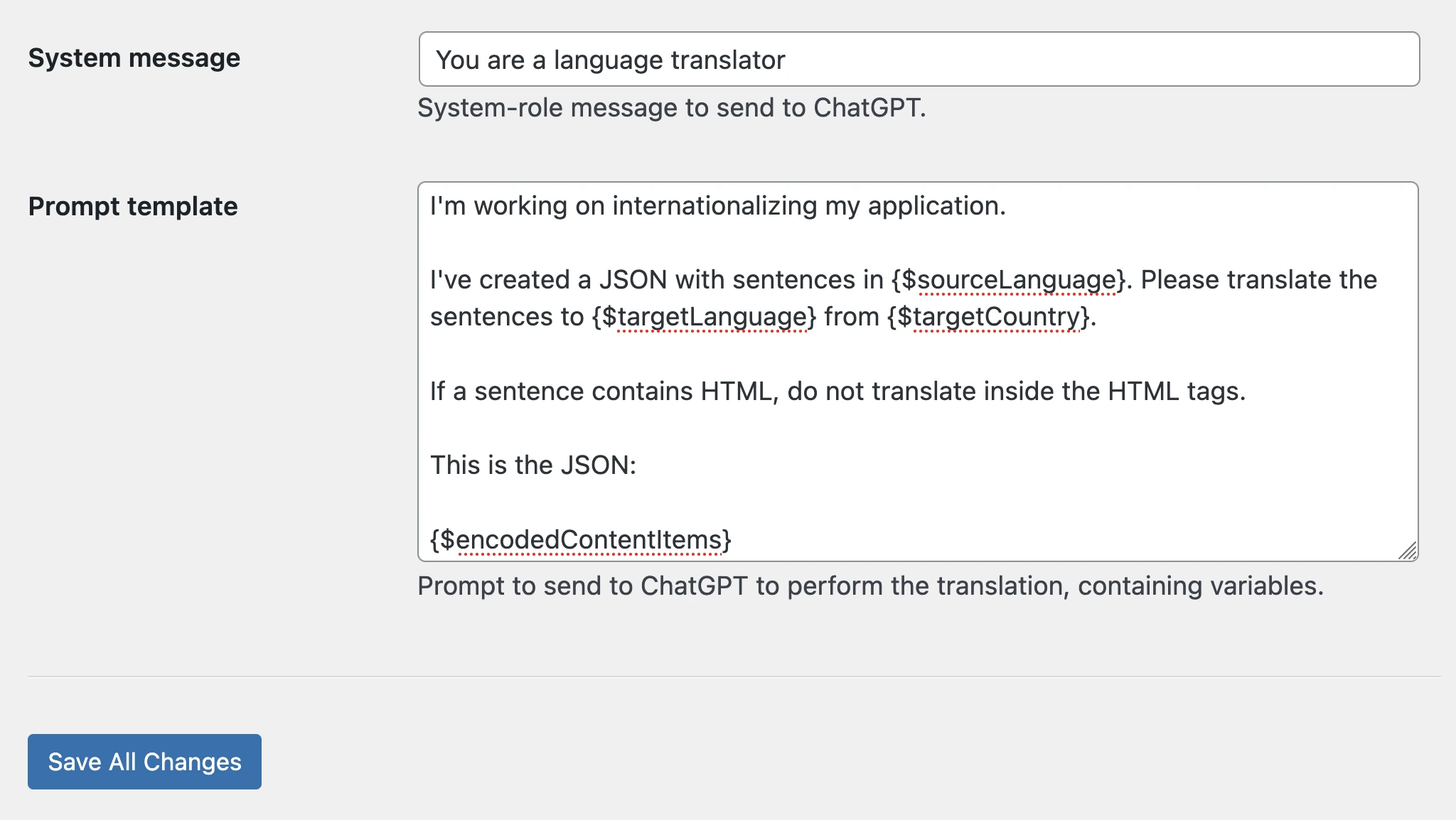
Use the best AI stack for each language, customize prompts, and even self-host your LLM

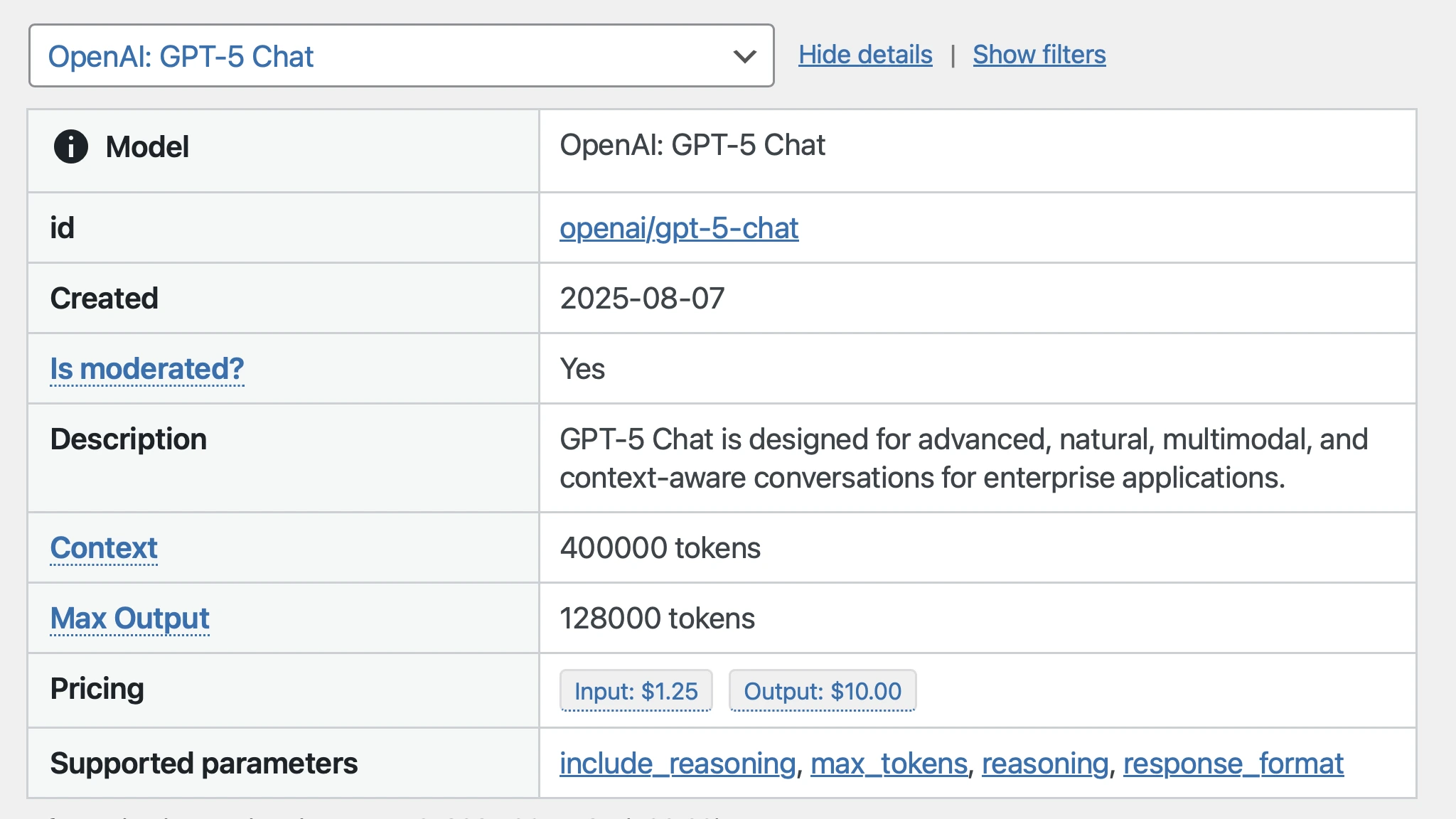
Choose the best AI model for your needs

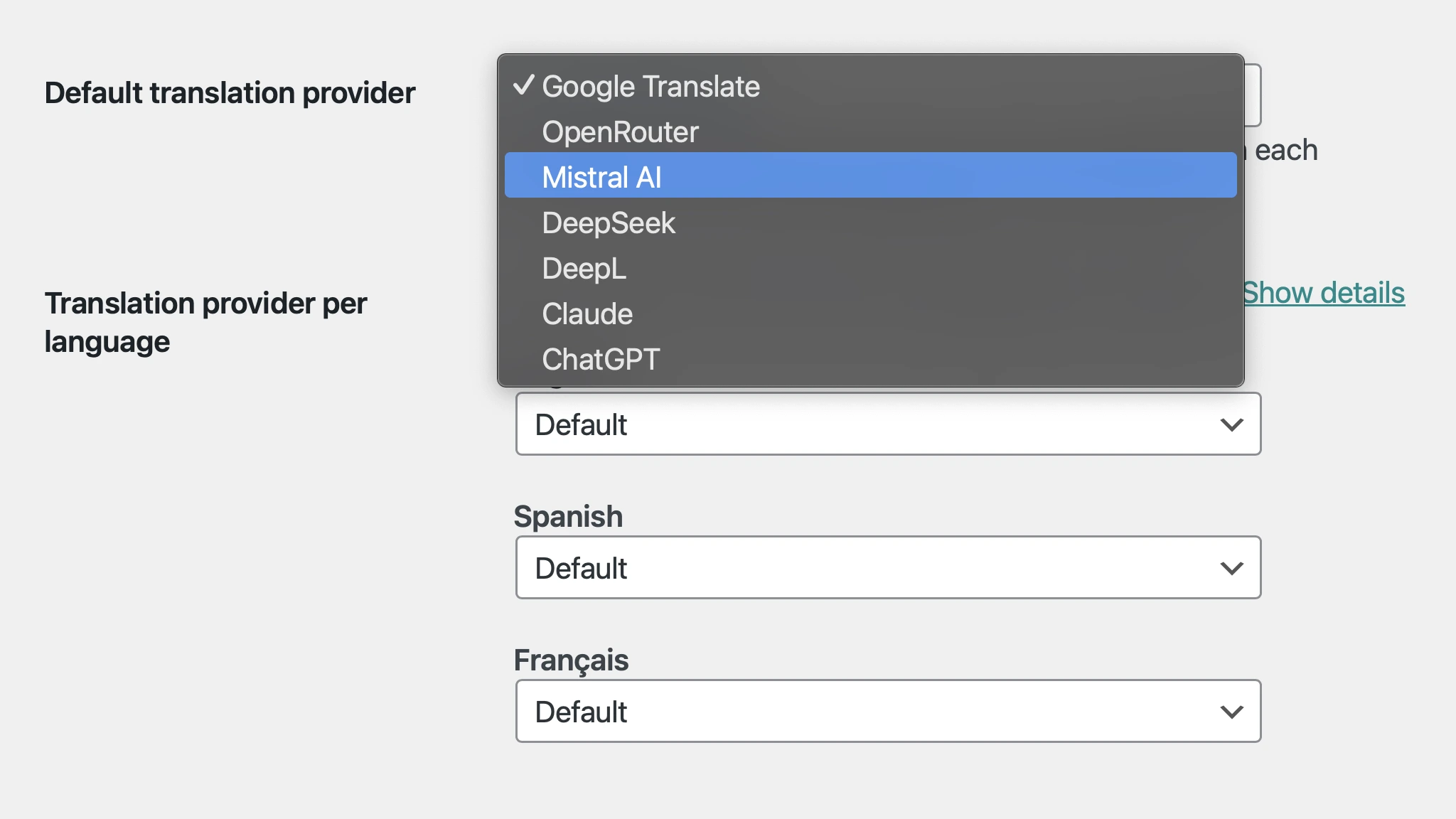
You can use the translation provider of your choice, among:

  • ChatGPT
  • Claude
  • DeepSeek
  • Mistral AI
  • OpenRouter
  • Self-hosted LLM
  • DeepL
  • Google Translate

You're not restricted to using only one of them. Select the best one for each language.

Selecting the translation providers for different languages

Translate your own and 3rd-party CPTs

Translate content from your application's Custom Post Types, and from the plugins it requires

The content from any Custom Post Type can be translated, including from popular plugins such as WooCommerce.

Translated WooCommerce products

Thank you Leo, for your time, patience and help improving and working on your plugin to fill some gaps that me and my team were having on a recent project

SEO metadata is translated out of the box

Use your favorite SEO plugin and translate its metadata

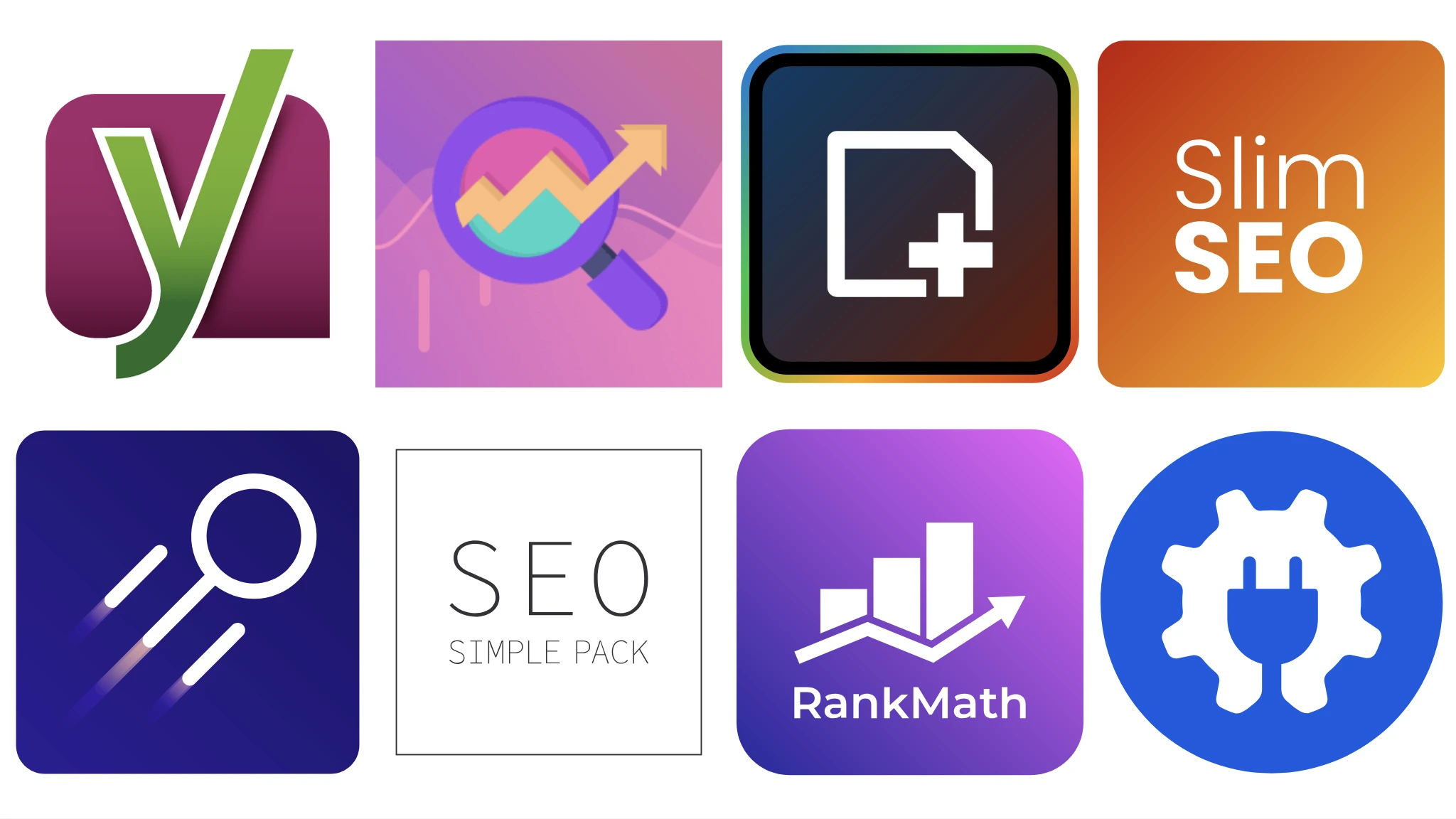
The SEO metadata from your favorite plugins is translated out of the box, including:

  • All in One SEO
  • Rank Math
  • SEO Simple Pack
  • SEOPress
  • Slim SEO
  • The SEO Framework
  • WP Meta SEO
  • Yoast SEO
Supported SEO plugins

ACF and Meta Box automatically supported

Translating ACF and Meta Box fields is handled out of the box

Translating custom fields managed via the popular Advanced Custom Fields and Meta Box plugins is supported out of the box.

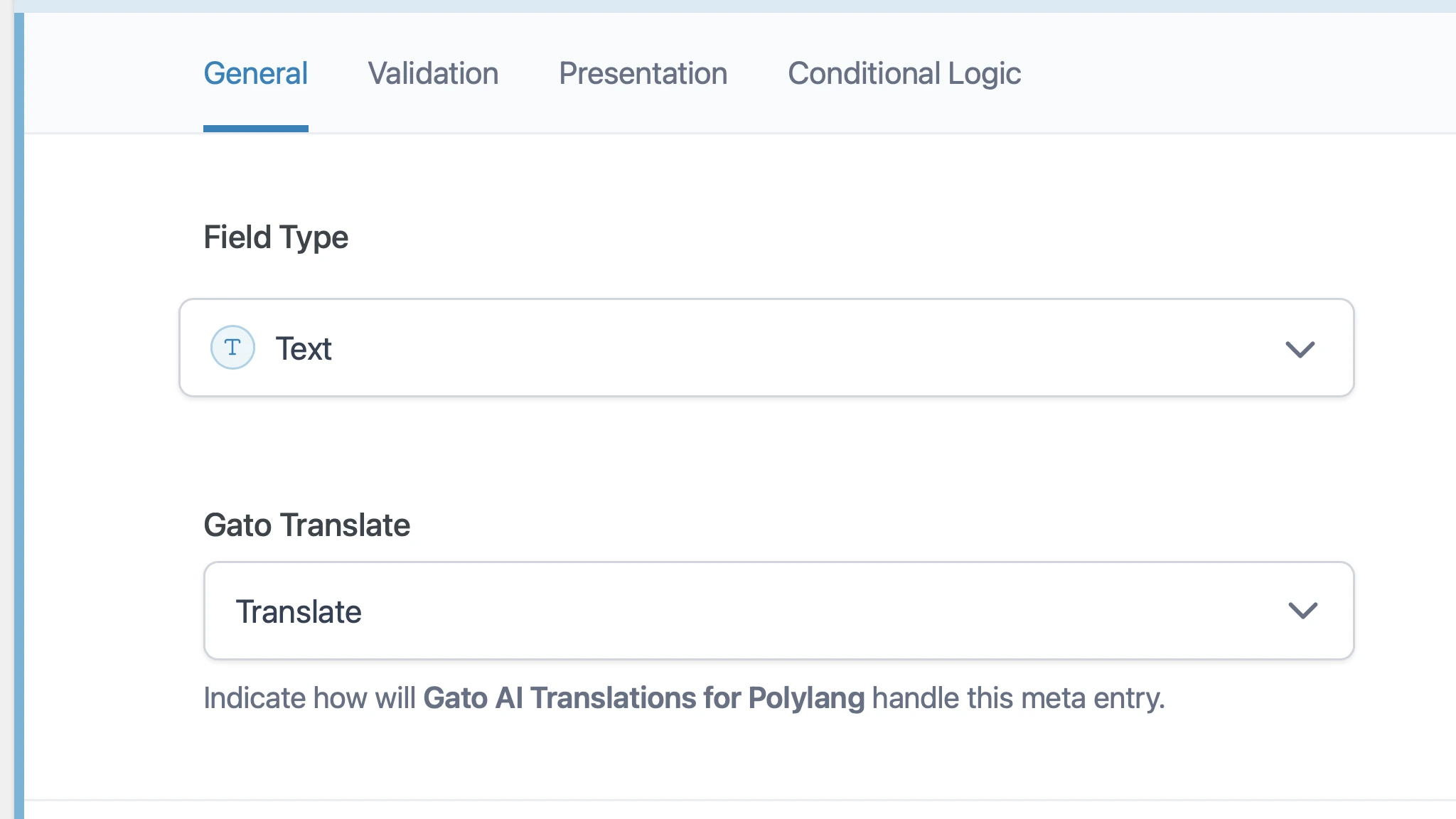
Configuring which custom fields to sync and translate is done using the UI of these plugins.

Configuring Gato Translate for ACF

And more features...

Use Polylang or Polylang PROUse Polylang or Polylang PRO

Manage your content using either the free or paid versions of the Polylang plugin.

No limit on languagesNo limit on languages

Whether you need to translate to 1, 5, 20, or 50 languages, you are covered.

BYOK (no middleman in connecting to the translation APIs)BYOK (no middleman in connecting to the translation APIs)

Don't overpay for AI credits: You pay directly to the AI provider(s) for the translations you do.

Translate posts, taxonomies, and mediaTranslate posts, taxonomies, and media

Translate your posts, pages, custom post types, taxonomies (tags and categories) and custom taxonomies, and media items.

Translate menus and user descriptionsTranslate menus and user descriptions

Your WordPress navigation menus and user descriptions are automatically translated to all your defined languages.

Edit the translations before publishingEdit the translations before publishing

You can edit each of the translations right on the WordPress editor, fix any issue, and only then publish.

Translate internal linksTranslate internal links

The internal link URLs in the post content are translated to the corresponding links in the target language.

Translate entity relationshipsTranslate entity relationships

The entity IDs (for posts, users, taxonomies, and media items) referenced in meta fields are also translated.

Translate custom Page Builder elementsTranslate custom Page Builder elements

Your custom or 3rd-party elements (Gutenberg blocks, Bricks elements, Elementor widgets) can also be translated.

Send the biggest context to the APISend the biggest context to the API

All strings are sent together in a single request (up to the API's limits), helping the API produce the best-possible results.

Sync and translate metaSync and translate meta

Copy and translate meta entries from your origin post to each of your translation posts.

Trigger translations via PHP code and WP-CLITrigger translations via PHP code and WP-CLI

You can trigger translations from within your application via PHP code, or via a WP-CLI command.

Start Translating With AI

Purchase a license and start translating your WP site in minutes.

Try out for free

Launch a sandbox testing site, and play with the Gato AI Translations for Polylang plugin

Find out what's coming next

Subscribe to our newsletter: Learn when we release a new version, launch a new plugin, or we have news to share with you.